

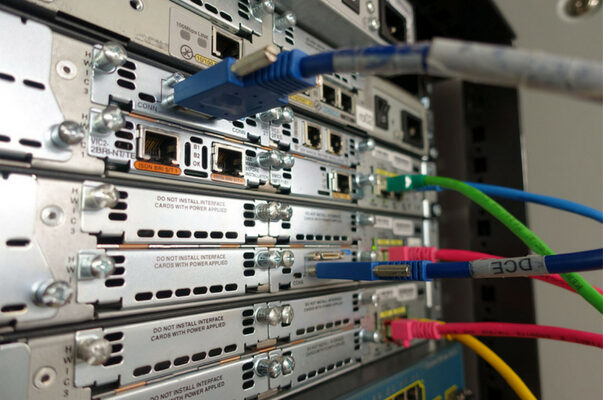
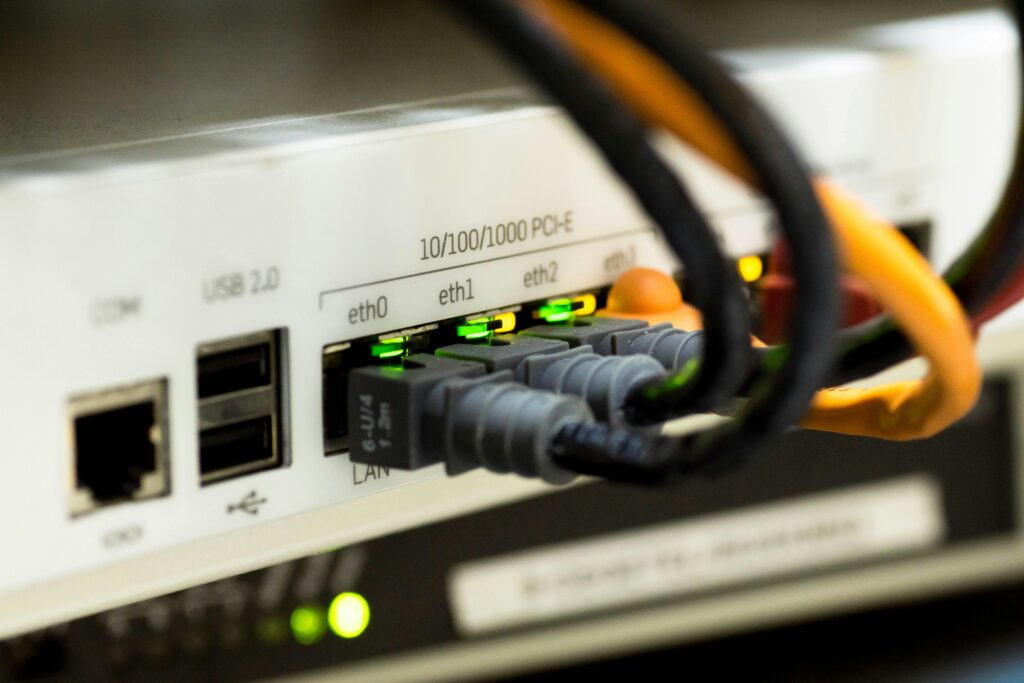
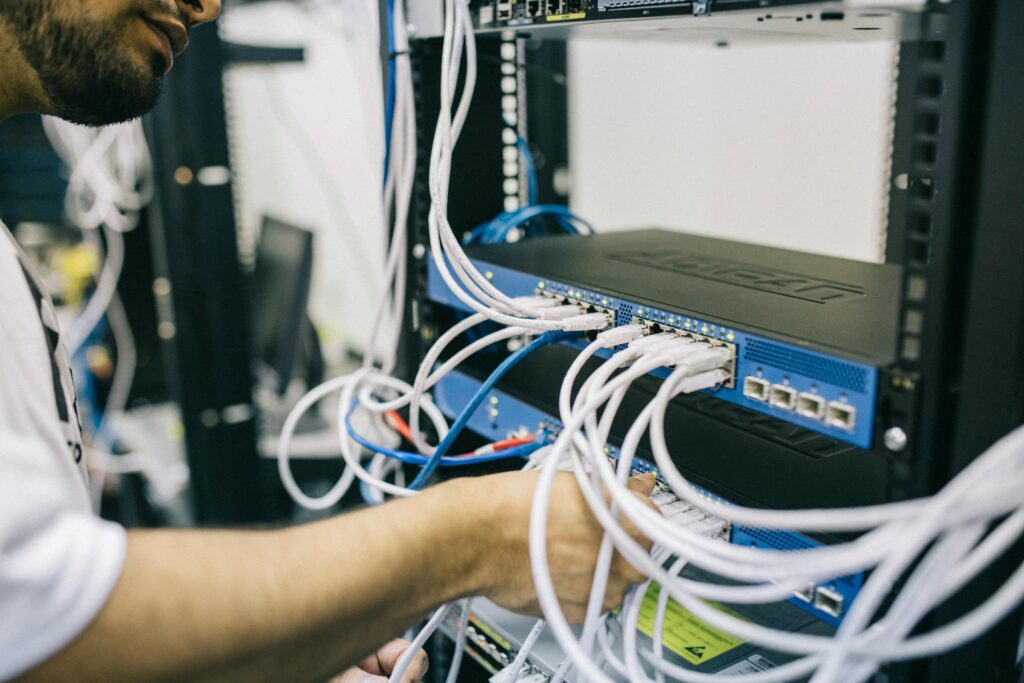

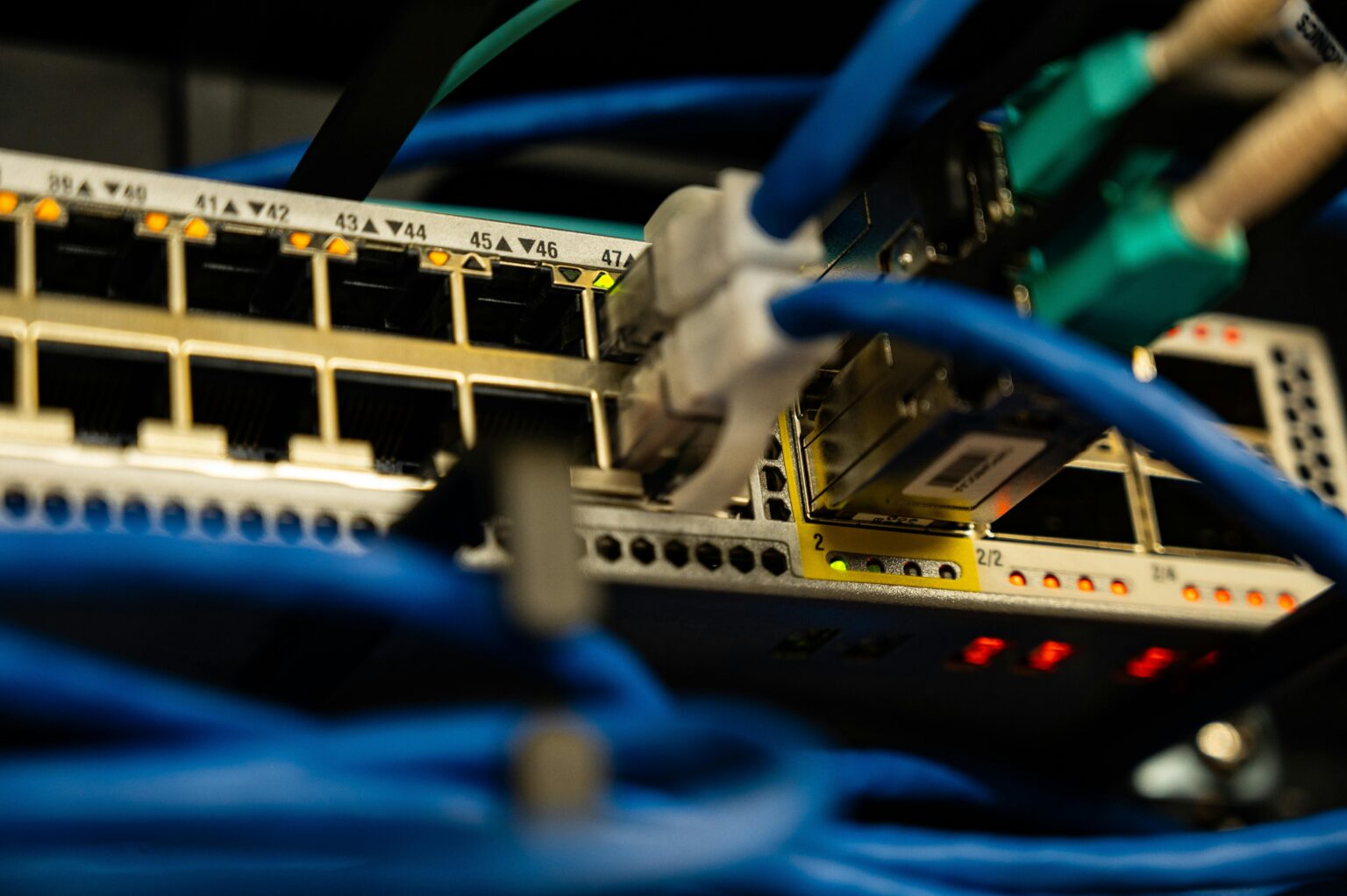

Virtual Local Area Networks (VLANs) are a fundamental networking concept that enhances security, flexibility, and efficiency within an organization’s infrastructure. VLANs logically segment a physical network, allowing devices in different VLANs to behave as if they are on separate networks—even when using the same switch.
🔍 What is a VLAN?
A VLAN is a logical grouping of network devices that act as if they are in the same physical network, regardless of their actual location. VLANs operate at Layer 2 (Data Link Layer) of the OSI model and use tagging to differentiate traffic.
🔥 Benefits of VLANs
✅ Improved Security: VLANs isolate traffic, reducing unauthorized access.
✅ Reduced Broadcast Traffic: Segmentation minimizes unnecessary network-wide broadcasts.
✅ Better Network Management: VLANs allow easier policy enforcement and scalability.
✅ Enhanced Performance: Reducing congestion improves overall efficiency.
🏗️ Types of VLANs
1️⃣ Default VLAN: Typically VLAN 1, where all ports belong by default.
2️⃣ Data VLAN: Used for standard user traffic (e.g., VLAN 10 for employees).
3️⃣ Voice VLAN: Dedicated VLAN for VoIP traffic to ensure quality.
4️⃣ Management VLAN: Isolates network management traffic for security.
5️⃣ Native VLAN: Handles untagged traffic in 802.1Q trunking environments.
📌 VLAN Tagging & Trunking
- Access Ports: Belong to a single VLAN, typically used for endpoint devices.
- Trunk Ports: Carry multiple VLANs across a link using 802.1Q tagging.
- Inter-VLAN Routing: Required when devices in different VLANs need communication, typically handled by a Layer 3 switch or router.
🚨 Common VLAN Misconfigurations
❌ Using VLAN 1 for everything: Best practice is to create custom VLANs for better segmentation.
❌ Forgetting Inter-VLAN Routing: VLANs are isolated by default; routing must be configured.
❌ Mismatched Native VLANs on Trunks: Can lead to connectivity issues and VLAN hopping attacks.
🏆 Final Thoughts
VLANs are essential for modern network design, offering better segmentation, security, and performance. Whether you’re setting up a small office or an enterprise network, VLANs provide the flexibility needed for efficient network management.
Want to learn more? Check out 802.1Q (VLAN Tagging Standard) and experiment with VLAN configurations in a lab!